1. Culling and Sequencing a Two-Hour Session
A typical morning shoot in 4K 120fps generates 140 gigabytes of repetitive paddling and incomplete closeouts. Before opening a music track in DaVinci Resolve, Adobe Premiere Pro, or Final Cut Pro, build a string-out timeline organized strictly by wave energy and lighting continuity—not chronological capture order. Pair every three rides with one five-second environmental anchor shot: wax being scraped onto a cold deck, kelp swaying in the shorebreak, or offshore mist blowing off the back of a crest.
Ingest & Proxy
Generate 1080p ProRes Proxy files so 120fps 10-bit clips scrub smoothly without dropped frames.
Rhythm String-Out
Alternate wide beach angles with intimate water shots to vary visual scale across the edit.
Audio Bed First
Lay down continuous ocean room-tone before cutting music so cuts never leave dead digital silence.
2. Speed Ramping Without Losing Kinetic Drive
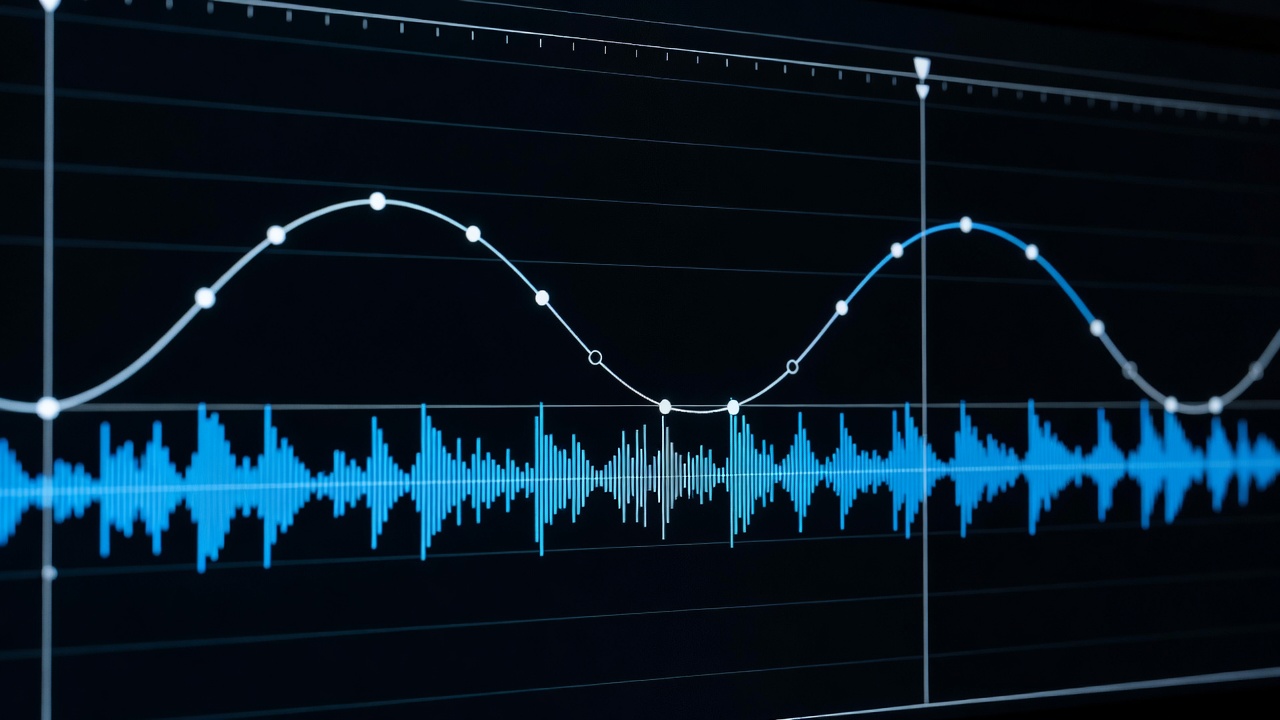
When you conform an entire 120fps clip to a 24fps timeline at 20% speed, the surfer looks weightless and the wave loses all urgency. Instead, keep the clip at 100% real-time playback as the surfer paddles in, pops to their feet, and sets the bottom rail. Add a speed keyframe right as the board projects up the face, ease the Bézier curve handle down to 40% or 25% speed at the apex of the fin release or barrel spit, and ramp back to 100% speed as the board lands in the whitewater.
Always switch your optical flow / frame sampling mode to Frame Sampling (not Optical Flow) when ramping through heavy whitewater spray—optical flow algorithms often warp flying water droplets into jelly-like artifacts.
3. Sound Design and Natural Ocean Color Grading
Water housings muffle high frequencies and turn wave impacts into harsh, clipping pops. Lower your camera's internal scratch audio by -12dB and layer clean field recordings underneath: a stereo condenser recording of distant pebble wash for the wide shots, and a low-passed sub-bass thump synchronized to the moment the lip hits the trough.
In the color suite, avoid pushing ocean tones toward unnatural neon teal. Use a Hue-vs-Hue curve to gently nudge murky green coastal water toward deep slate-emerald or warm kelp-olive, while keeping the whitewater highlights neutral at 6500K. Place a qualifier node on the surfer's wetsuit and skin tones so golden-hour warmth stays natural against dark winter water.
"If the whitewater foam turns magenta or radioactive turquoise, your LUT is fighting the exposure. Keep the foam clean bone-white and let the trough hold the mood." — Senior Colorist Note, St Agnes Edit Suite